Find AEDs
It helps people find nearby defibrillators and clearly understand the coverage available in an area.
AuxilioRCP connects people, companies, and institutions with registered AED devices to enable a faster, more visible, and better coordinated response during a cardiac emergency. Our mission is to help more devices stay easy to locate and available when they are truly needed.
Register it and make it visible to your community.
View detailsIt helps people find nearby defibrillators and clearly understand the coverage available in an area.
Register devices for community spaces, organizations, and institutions.
A clearer base for training, maintenance, and follow-up
Share the location of your AED when it travels with you and may be useful nearby.
It helps people, response teams, companies, and institutions act with better references during an emergency.
AuxilioRCP does more than display devices on a map. It also strengthens a support network where communities, companies, and institutions can register defibrillators, improve local coverage, and encourage a more organized, human, and timely response.
Make it easier for someone to find help nearby during a critical moment.
It helps people, response teams, companies, and institutions act with better references during an emergency.
It turns a registered AED into a more visible, locatable, and useful resource for anyone who may need it nearby.
Promote preparedness, training, and local support around devices that can save lives.
Anyone can look for a nearby AED and be better prepared to help.
Make your AEDs visible, improve internal response protocols, and provide clearer references for staff and visitors.
Locate devices across campus and strengthen preparedness for staff, teachers, and the school community.
Check nearby coverage, identify access conditions, and help register devices in your area.
This section works as a quick usage guide for community registrations. I also left visual placeholders so you can later add screenshots or images from the app flow.
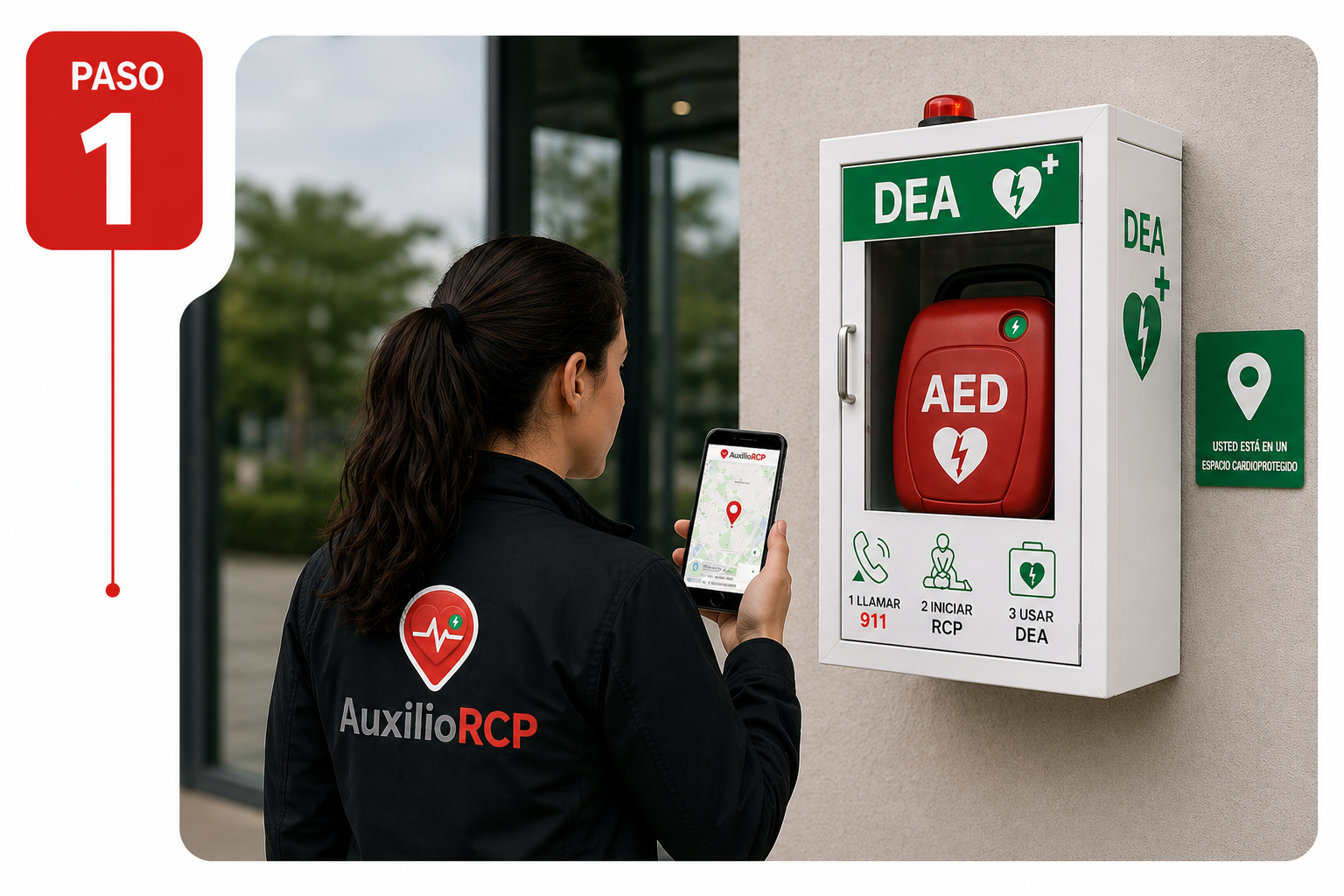
To register a community device correctly, it is best to be physically at the location. This helps capture real coordinates and document the environment more accurately.
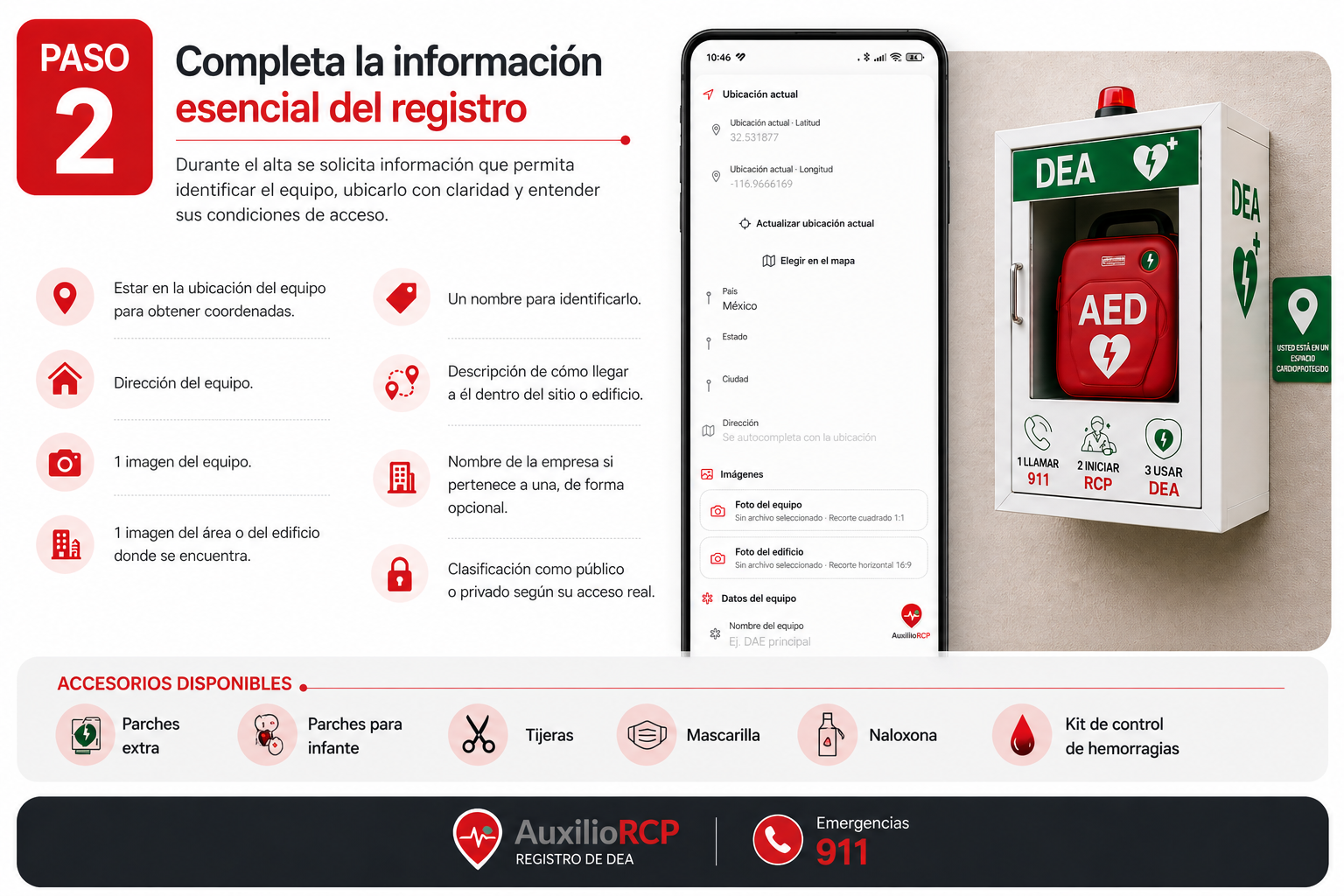
During registration, the app asks for information that helps identify the device, locate it clearly, and understand its access conditions.
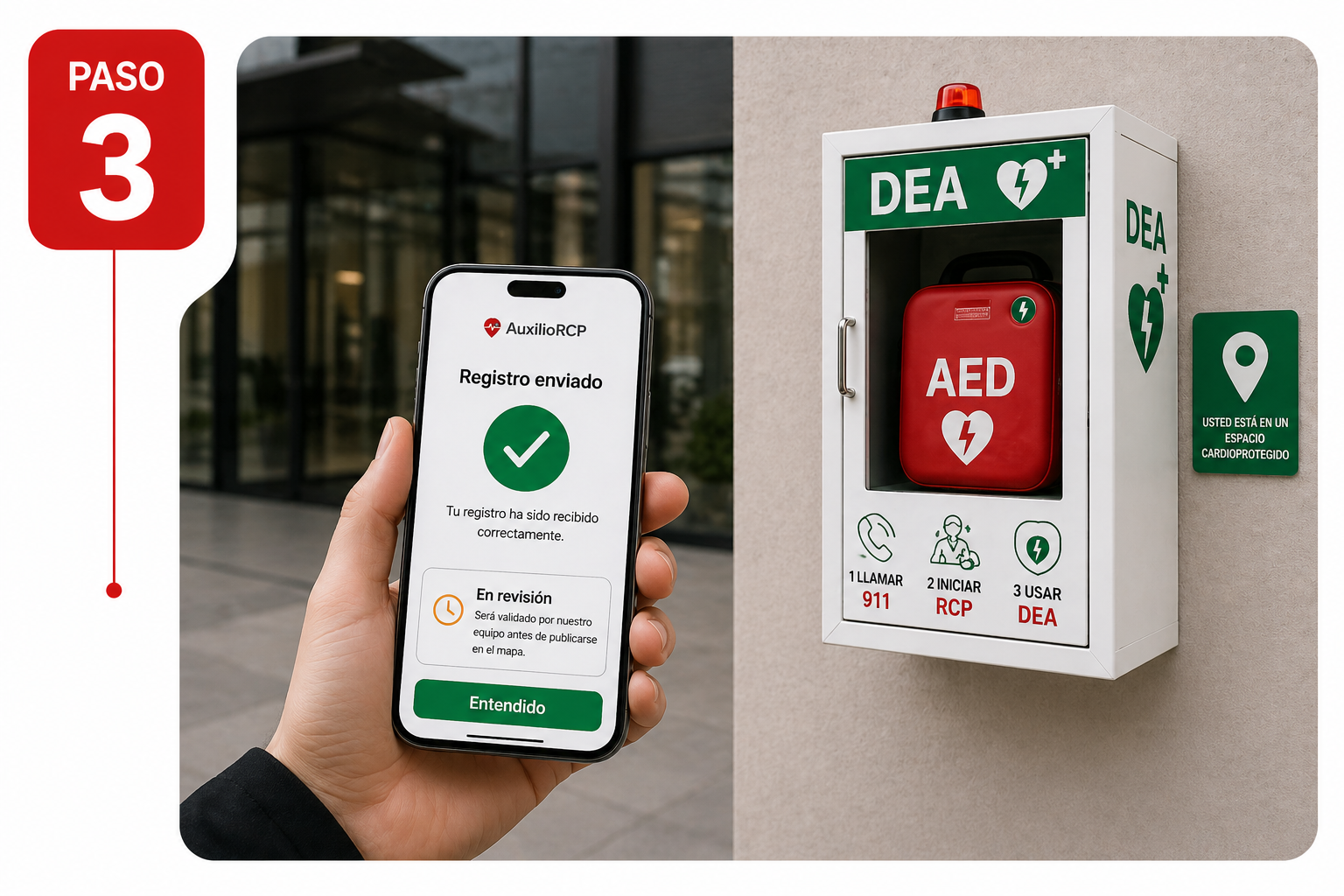
Once submitted, a community registration may require validation before it is published or before updates appear on the map. This helps maintain data quality and reliability.
If your organization already has devices, the next step is not just having them, but ensuring they are clearly located, identified, and ready to support a faster response.